

WP Site Header Enhancer – Official Plugin Page
🧩 Plugin Overview
WP Site Header Enhancer is a lightweight WordPress plugin that adds a customizable header section—image or text—above your theme’s native banner area. It’s ideal for branding, announcements, or visual emphasis and works across all pages automatically, without modifying theme files.
This plugin is part of the nemerSOFT – WP Collection, built with modular architecture, multilingual support, and a focus on clarity and scalability.
🖼️ Plugin Settings Overview
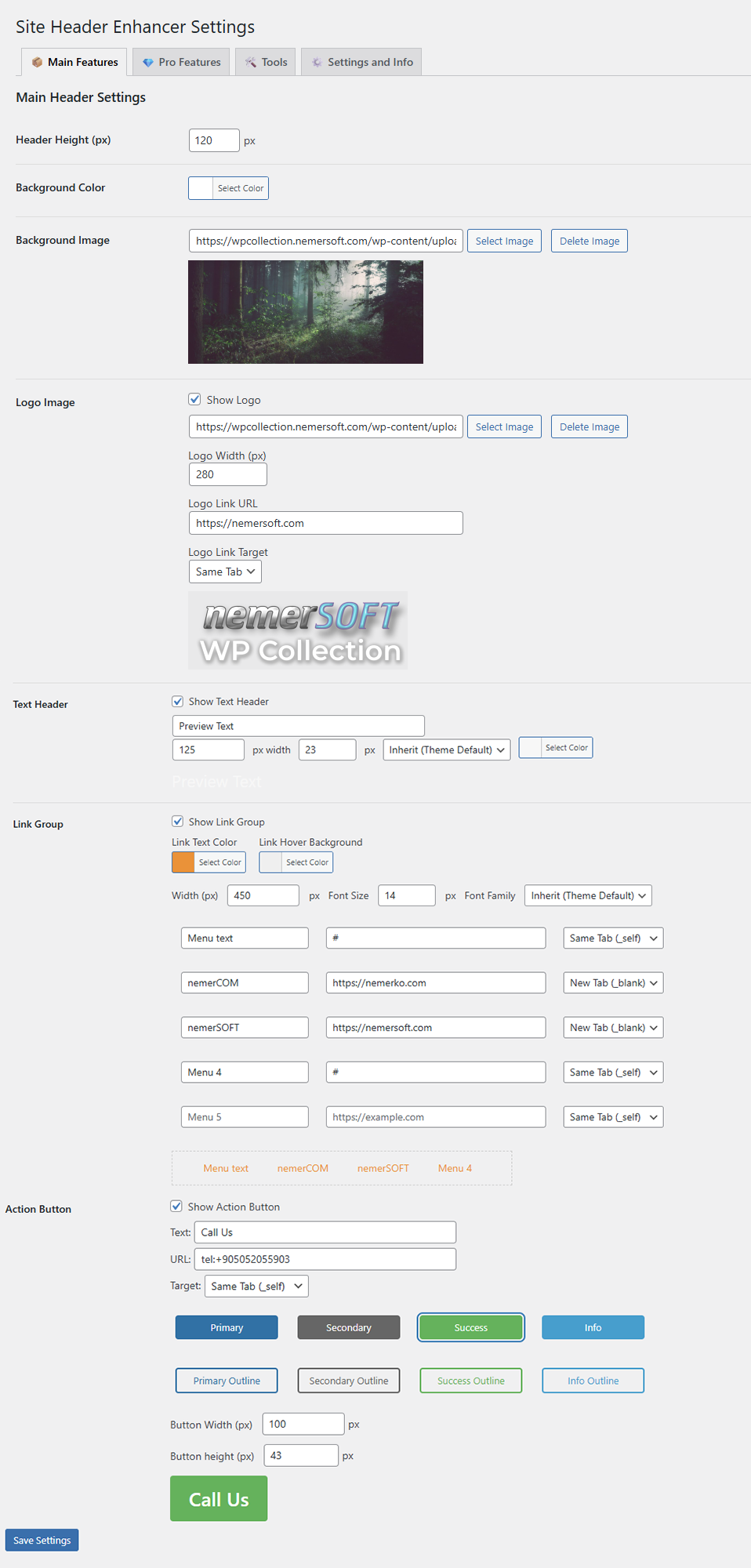
Screenshot: The main settings panel where users configure header content, layout, and styling.
✨ Key Features
- Insert image or text headers site-wide
- Display logo, announcement text, or action buttons
- Customize background color, image, font, and layout
- Add up to 5 text links with hover styling
- Choose from 8 base styles for action buttons
- Automatic rendering on all pages (no shortcode required)
- Multilingual-ready with .po/.mo files included
- Modular structure for future extensibility
🖼️ Free Features Preview
Screenshot: A sample header using free features like logo, text, and background customization.
🆓 Free vs. Pro Comparison
| Feature | Free | Pro |
|---|---|---|
| Background color selection | ✓ | ✓ |
| Background image upload | ✓ | ✓ |
| Adjustable header height (in pixels) | ✓ | ✓ |
| Logo image display | ✓ | ✓ |
| Text header | ✓ | ✓ |
| Link group (add/remove up to 5 text links) | ✓ | ✓ |
| Action button | ✓ | ✓ |
| 8 base style options for the action button | ✓ | ✓ |
| Font customization (size, color, typeface) | ✓ | ✓ |
| Hover color control for links in link group | ✓ | ✓ |
| Component width adjustment | ✓ | ✓ |
| Automatic rendering on all pages | ✓ | ✓ |
| Shortcode support (targeted or global rendering) | ✗ | ✓ |
| Component order control (logo / text / links / button) | ✗ | ✓ |
| Header width control (fixed pixel or percentage) | ✗ | ✓ |
| Component alignment (left/right/center + top/middle/bottom) | ✗ | ✓ |
| Image-based links | ✗ | ✓ |
| Top menu or unlimited text/icon links with pulldown menu | ✗ | ✓ |
| Shopping cart button | ✗ | ✓ |
| Login/logout and profile icons | ✗ | ✓ |
| Advanced styling (margins, paddings, borders, shadows) | ✗ | ✓ |
🖼️ Pro Features Showcase

Screenshot: Advanced layout controls, shortcode options, and component alignment available in Pro version.
⚙️ Installation & Usage
- Upload the plugin folder to
/wp-content/plugins/ - Activate the plugin via the Plugins menu in WordPress
- Go to Settings → Site Header Enhancer to configure your header
No shortcode is required for global rendering. For targeted placement, Pro users can use shortcode.
🖼️ Styling Tools Panel

Screenshot: Margin, padding, border, and shadow controls for precise header styling.
🌐 Localization
- Text domain:
site-header-enhancer - Language files:
/main/lang/ - Example files:
she-tr_TR.po,she-en_US.mo - Use
__()and_e()with'she'domain for all translatable strings
⬇️ Download Latest Version
Current Version: 0.8.5-beta
Download: WP Site Header Enhancer – v0.8.5-beta
License: NEMERKO Open License (NLO License)
🖼️ About the Plugin

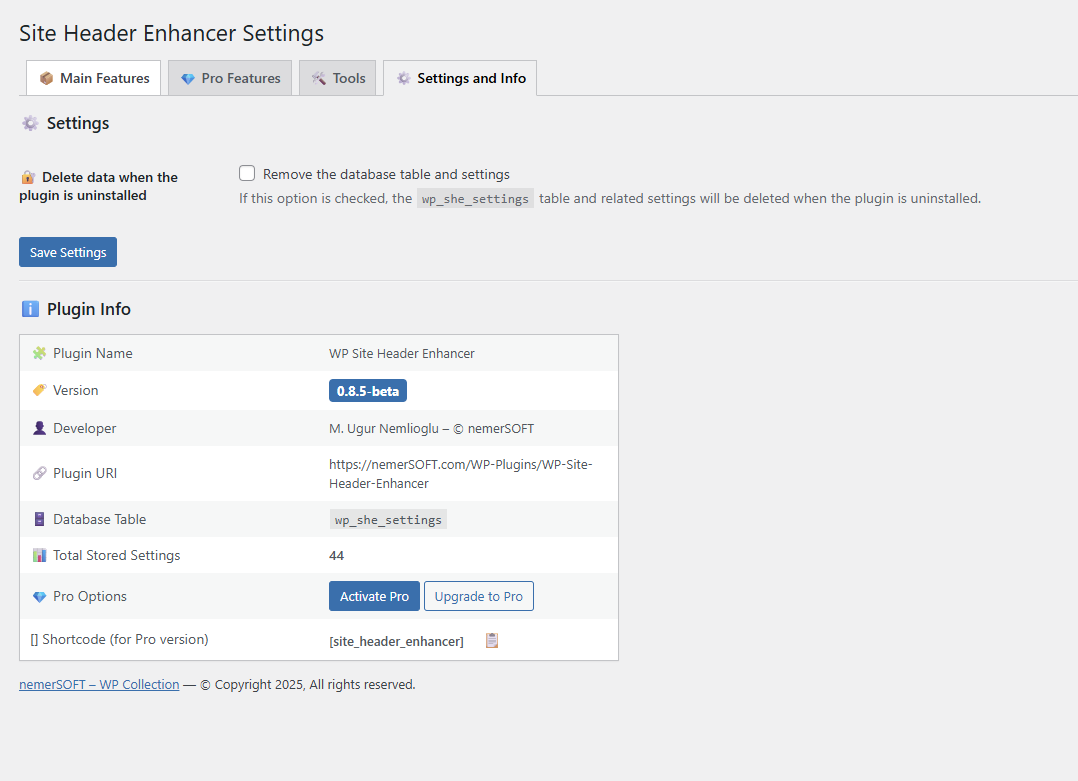
Screenshot: Plugin info, author credits, and license summary as shown in the admin panel.
📜 Changelog
0.8.5-beta
- Added Pro feature flags and shortcode support
- Improved multilingual structure and UI consistency
0.8.2-beta
- Initial beta release for live testing
- Includes image/text header support
- Multilingual-ready and license-compliant